
A short product video may contain only a few shots, but each one has a different job. A wide shot establishes the setting. A close-up shows the product. A final frame leaves room for a message.
AI video can help a team explore those shots before committing to a finished production. The challenge often becomes clear when individually attractive clips are placed next to one another. A product may change shape between shots, the lighting may shift, or a detail that looked convincing on a small screen may become distracting in the edit.
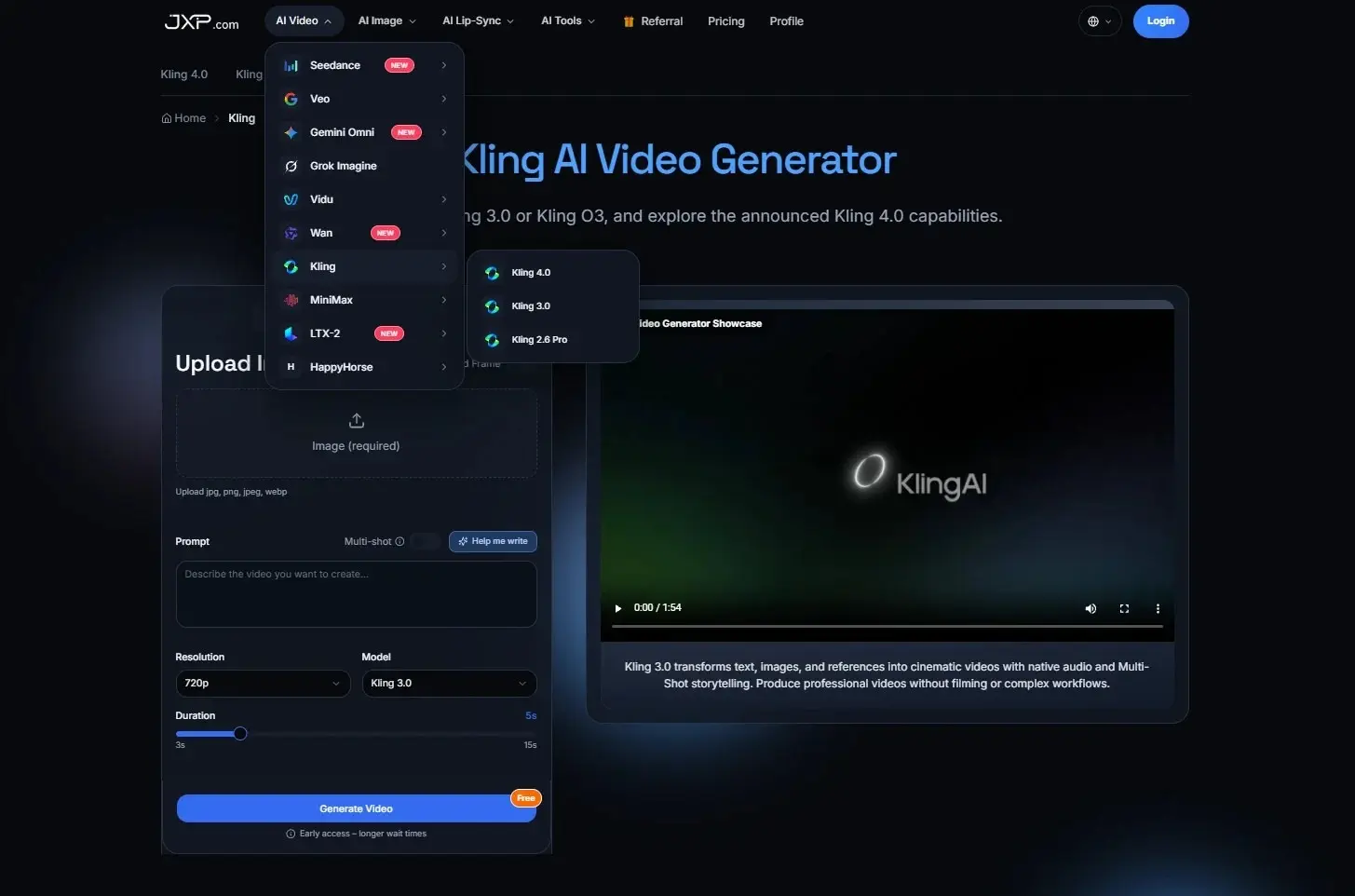
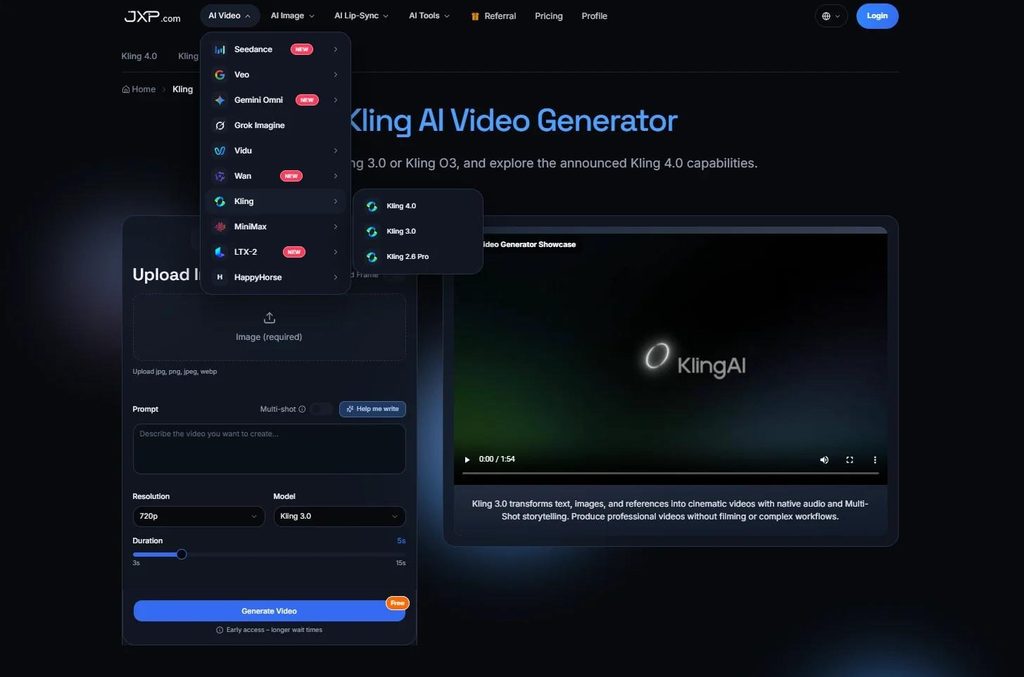
The Kling AI Video Generator provides text-to-video and image-to-video workflows that teams can use to explore visual ideas. Turning those early generations into a usable sequence requires a review process that considers both each clip and how the clips work together.
Start With the Purpose of Each Shot
Imagine a small brand preparing a launch video for a desk lamp. Before arranging a product shoot, the team wants to test whether a quiet home-office setting suits the campaign.
A simple shot plan might include:
- Wide shot: Establish the desk and room.
- Action shot: Show the lamp illuminating the workspace.
- Close-up: Present the lamp’s design.
- Closing shot: Leave space for a campaign message added during editing.
The team does not need the same level of accuracy from every shot. A wide scene used in an internal presentation may only need to communicate atmosphere and composition. A product close-up intended for a public advertisement must represent the lamp accurately.
That distinction belongs in the brief. Without it, a team can spend too long correcting an exploratory clip that was never meant to appear in the final video—or approve a polished result before checking whether it is accurate enough to publish.
Review Each Clip on Its Own
Before comparing shots, reviewers can assess each generated output against its assigned purpose.
For the wide shot, useful questions include:
- Is the desk arrangement suitable for the campaign?
- Does the lighting support the intended mood?
- Is the camera movement steady enough for the proposed edit?
- Are there distracting errors in the background?
For the close-up, the questions become more specific:
- Does the lamp have the correct shape and proportions?
- Are the switch, cord and other visible details accurate?
- Does the clip imply a feature the real product does not have?
- Is the image suitable for the size at which viewers will see it?
A result that fails a product-accuracy check can still be useful as an internal reference. The team might show it to a photographer to communicate lighting, then use a real product photograph or filmed close-up in the final edit.
Check How the Shots Work Together
A clip can pass its individual review and still create a problem in the edit. In the lamp example, the wide shot may show a black lamp on the left side of the desk, while the next shot shows a gray lamp on the right. Both clips may look polished separately, but the cut draws attention to the inconsistency.
Reviewers should place selected clips in their intended order and look for:
- Changes in the product’s shape, color or visible components.
- Shifts in the direction or intensity of light.
- Objects that move, disappear or change between shots.
- Camera movements that make the transition awkward.
- Enough stable footage for the editor to make a clean cut.
Not every difference requires another generation. A minor change in background lighting may be manageable with color correction. An awkward transition might be solved with a tighter crop, a cutaway or a different shot order.
A product changing shape between shots is a different problem. If the product is the focus of the campaign, the team may need to replace the shot rather than try to hide the inconsistency.
Some creation interfaces support planning multiple shots in one workflow. JXP describes Kling 3.0 as an option for multi-shot planning and Kling 2.6 Pro as a more focused single-scene workflow. Multi-shot planning can help a team organize a sequence, but the resulting shots still need to be reviewed for continuity. Teams should check the controls and model access available in the workspace before starting.
Record the Work Needed for Approval
A useful review process also helps teams understand where time and money are going. A simple way to assess a batch is:
Cost per usable output = (generation costs + review costs + editing and correction costs) ÷ number of usable outputs
Here, an output means one generated clip reviewed as a unit. If a team counts individual shots within an output instead, it should define a consistent way to allocate generation and review costs across those shots and use the same unit when counting approvals.
Consider a hypothetical batch: a team generates eight clips, spends $12 in generation credits and uses 70 minutes for review and editing. At an illustrative labor rate of $30 per hour, the total cost is $47. If two clips are approved for an internal presentation, the cost is $23.50 per presentation-ready output.
This is an example, not a measured result or a benchmark for any model. If no clips meet the approval standard, the team can report the total spent and an approval rate of zero; cost per usable output cannot yet be calculated.
For subscription plans, teams can use a consistent method to allocate the subscription expense to each project and record that method alongside the calculation. Different allocation methods can produce different figures.
Keep Internal and Public Approval Separate
A presentation-ready concept is not automatically an advertising-ready asset. In the hypothetical lamp campaign, two clips might communicate the desired mood while neither shows the actual product accurately enough for public use.
A review record can be simple:
| Review item | What to record |
| Intended use | Internal concept, client presentation or public campaign |
| Result | Approved, rejected or approved with changes |
| Visual issues | Product details, movement, lighting or continuity |
| Follow-up work | Regenerate, edit, replace with photography or use only as reference |
| Rights and disclosure | Input permissions, likeness consent and applicable platform requirements |
If a clip later moves from an internal presentation to a public campaign, it should be reviewed again against the public-use requirements. Any additional correction, licensing or review work should be recorded in the cost for that purpose.
Teams should also avoid presenting generated imagery as documentary footage of a real event. In product marketing, the final edit should not suggest capabilities the real product does not have.
Make the Edit the Final Test
The most revealing review often happens when an editor assembles the sequence. That is where the team can see whether the shots support the intended message, maintain continuity and provide enough usable material for the final cut.
AI-generated video can be useful at several points in the process: exploring a setting, helping stakeholders discuss a visual direction or providing material for an edit. Its value depends on the standard the team needs to meet.
A clear shot plan, a defined review unit and separate approval standards give teams a practical way to judge each output. They also make it easier to decide when to keep generating, when to make an edit and when a photograph or filmed shot will serve the project better.
Also Read
- 18+ Unique Similes for Life (2026) – Creative, Deep & Easy Examples
- What Changes When You Move Up The Residential Property Ladder
- Furniture Storage Dubai: Practical Self Storage Dubai Choices